Passwordless sign-in
Members enter the email already on their record and follow a sign-in link. No portal password to distribute or reset.
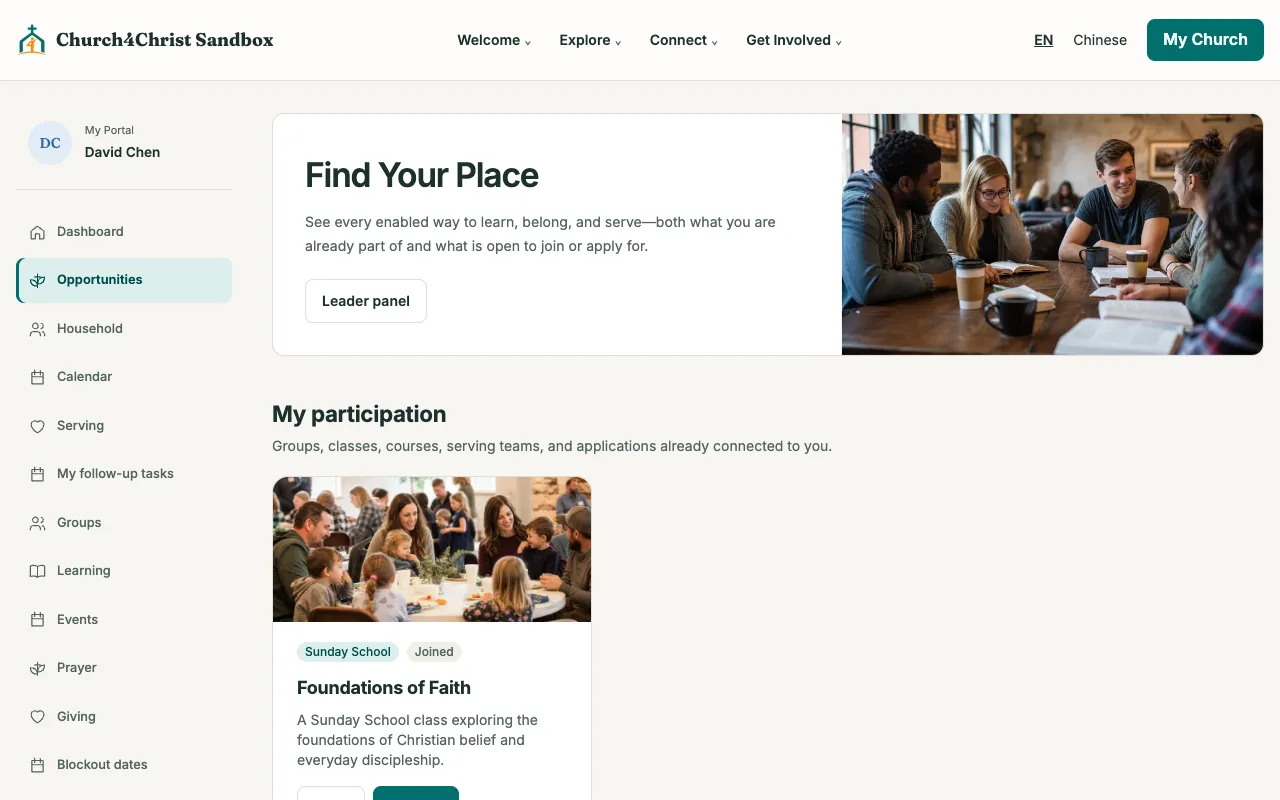
Members see the groups, classes, and teams they belong to and what is open to join, update their household, check serving and giving, and share prayers with the right people. There is no password to remember.
Members enter the email already on their record and follow a sign-in link. No portal password to distribute or reset.
Current groups, classes, and teams sit beside public groups, published courses, and teams accepting applications.
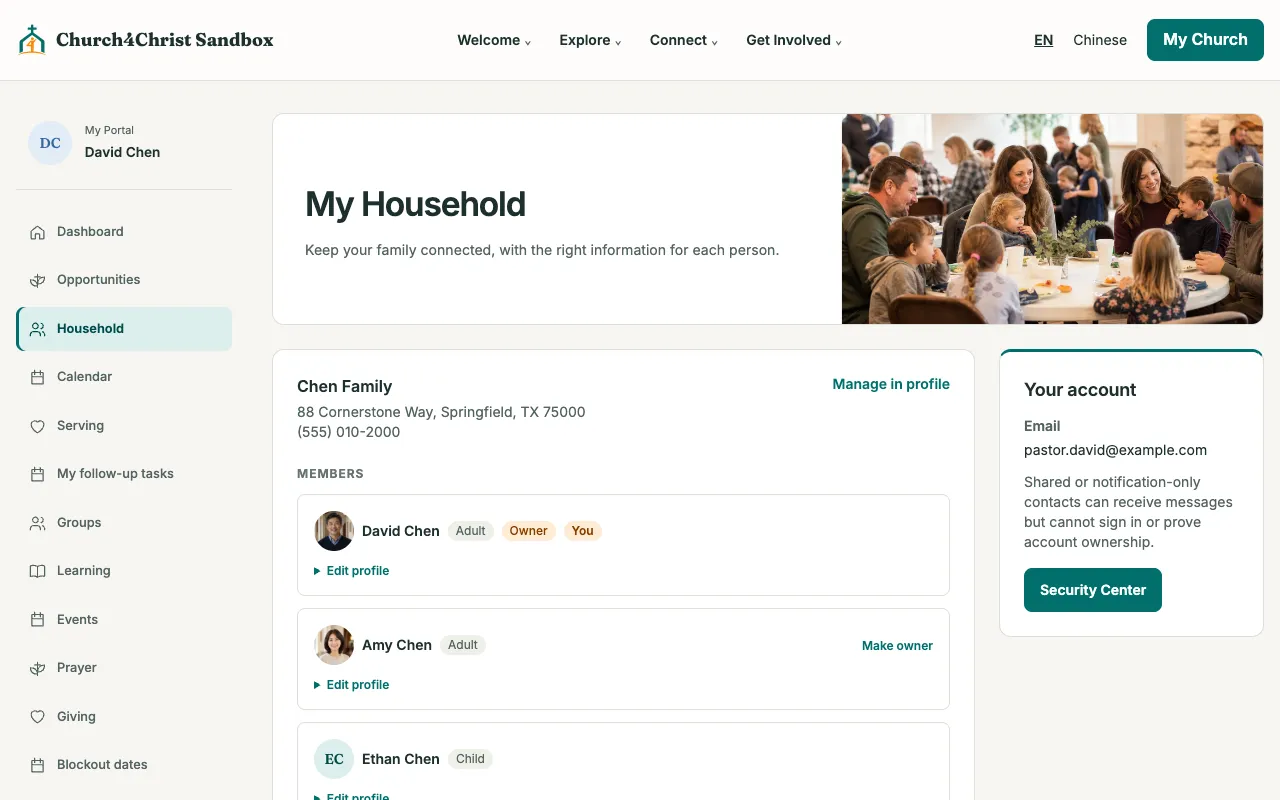
Up to two owners per household. Owners edit family members and dependents; everyone edits their own profile.
Group, team, and ministry leaders see only what is assigned to them, and every action is re-checked.
Share church-wide, with a group, or privately, with moderation for prayers that need approval.
Serving and rehearsals in a subscribable calendar, plus My giving when the Giving module is on.
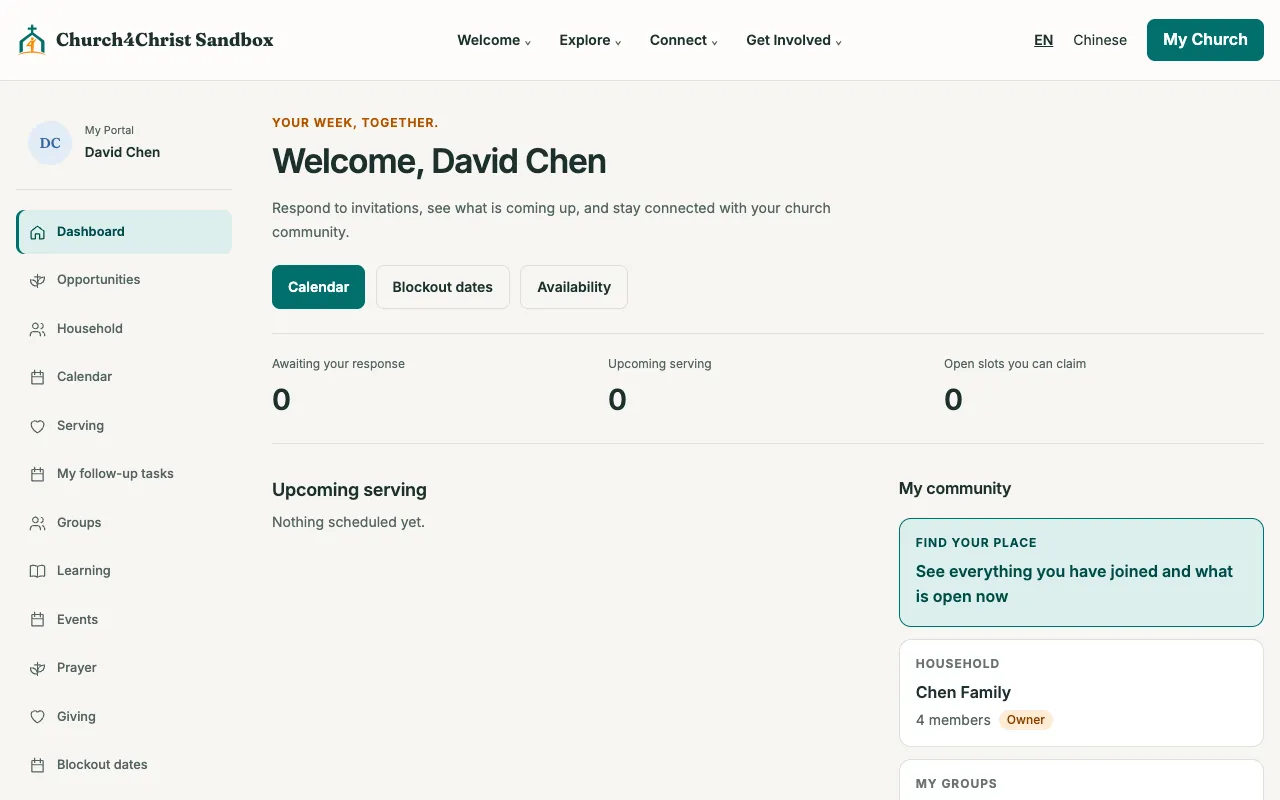
Invitations awaiting a response, upcoming serving, open slots to claim, and the member’s household and groups, together on one page.
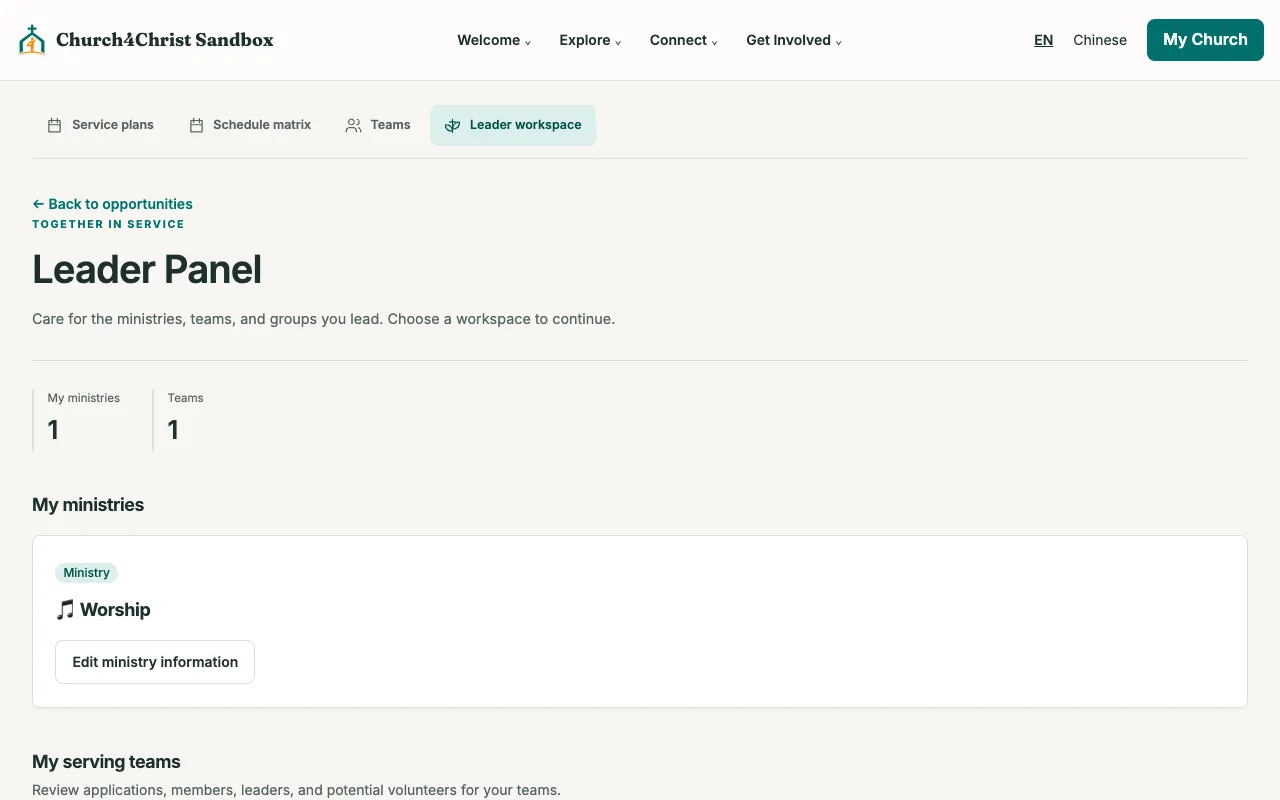
The leader panel at /manage shows only the ministries, groups, classes, and serving teams assigned to the signed-in person. The full admin area can stay behind Cloudflare Zero Trust.
Owners update family members and avatars and can promote another adult to co-owner. Creating a household and adding dependents happen on the profile page.
Open the demo church in your browser, then read the setup guide when you are ready.