Households, children included
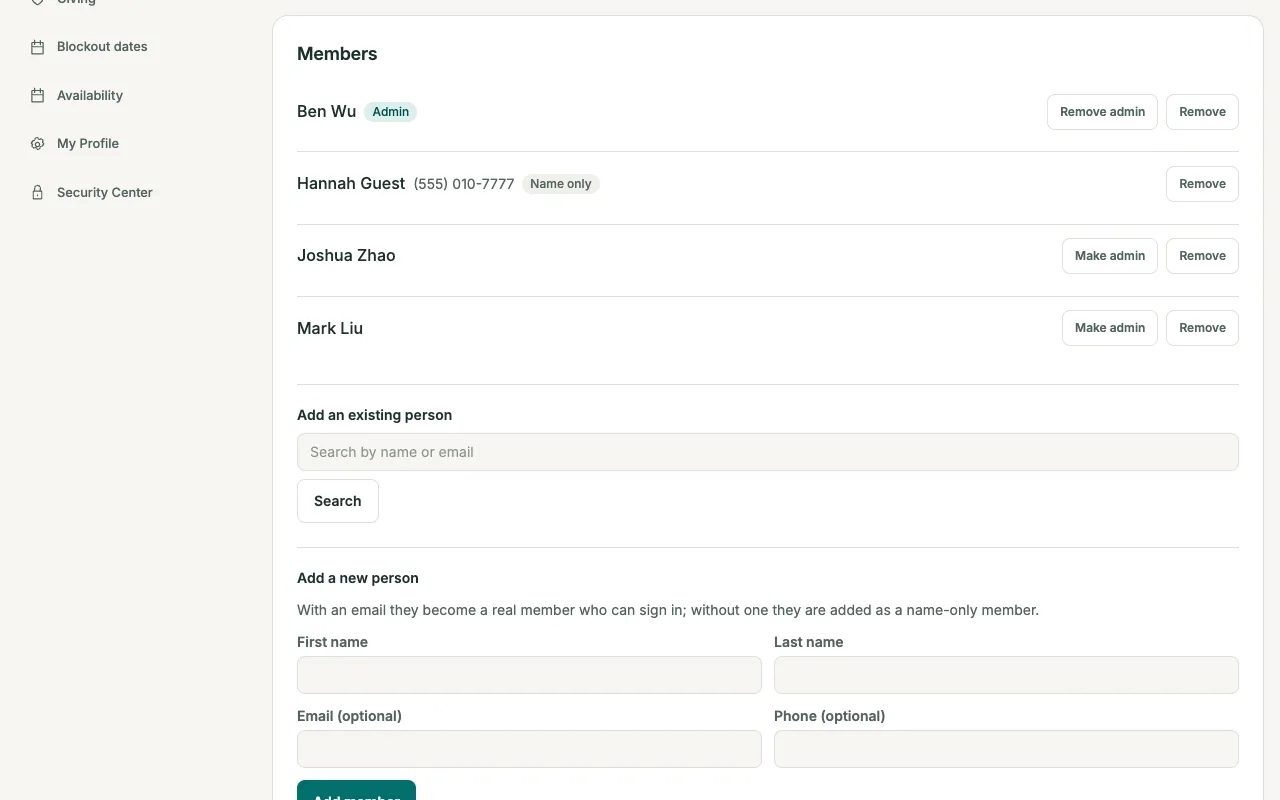
A family shares one household card. Adults sign in on their own; children are name-only entries with no email or login.
Profiles and households for the whole congregation, small groups that leaders run themselves, newcomer follow-up, and pastoral care that stays private.
A family shares one household card. Adults sign in on their own; children are name-only entries with no email or login.
Visitor, Regular attender, Member, or Inactive. Only an admin sets the status; nobody changes their own.
Admins keep a timeline of visits and seasons of care. Ministry leaders never see these notes.
Public or private groups, join requests a group admin approves, and recurring meetings placed on the calendar automatically.
After a tracked meeting, group admins get an emailed checklist. Tick who came and save.
Import people and households from CSV with a preview first, and reuse saved column mappings when migrating from another system.
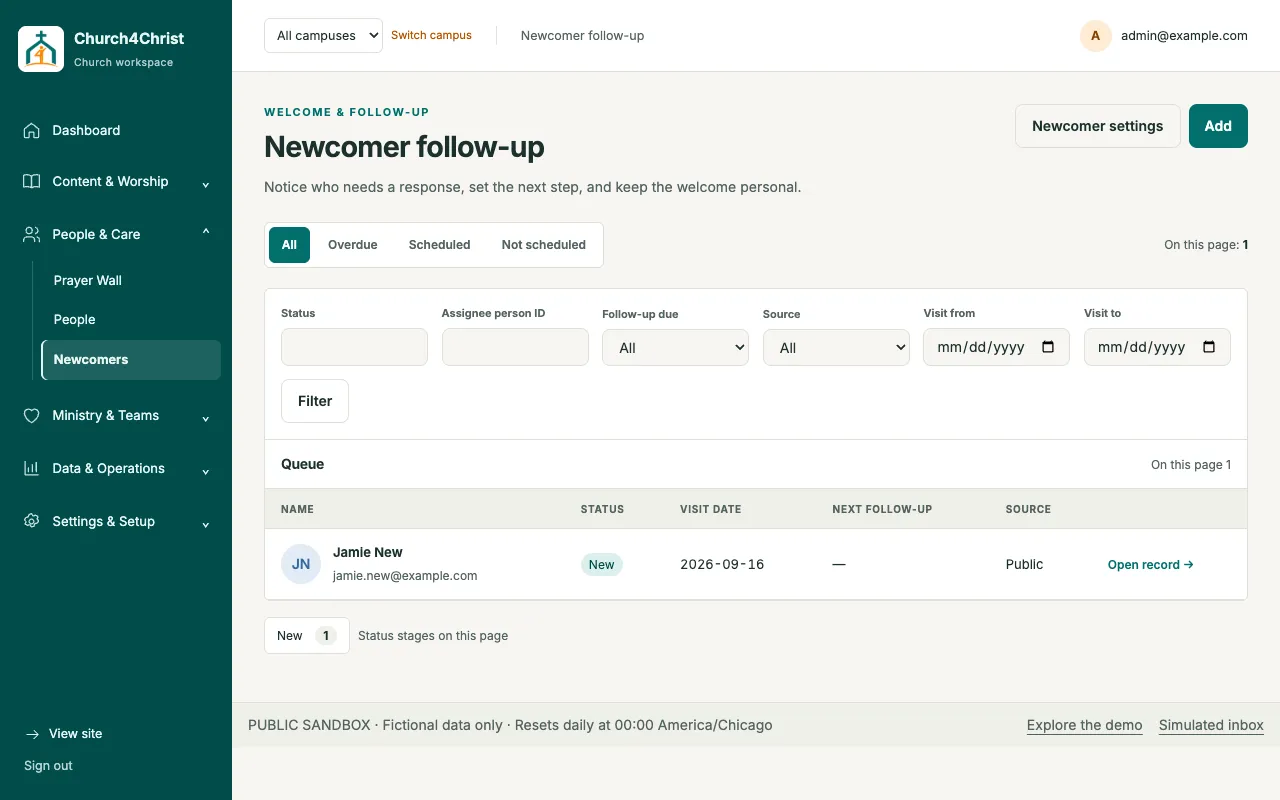
A bilingual, consent-first “New here?” card feeds a scoped staff queue. Staff assign cards, schedule follow-ups, and add notes. Linking to People is allowed only for an exact contact match.
Turn on attendance tracking for a routine event. When the meeting ends, every group admin receives a link to that meeting’s checklist, valid for three days.
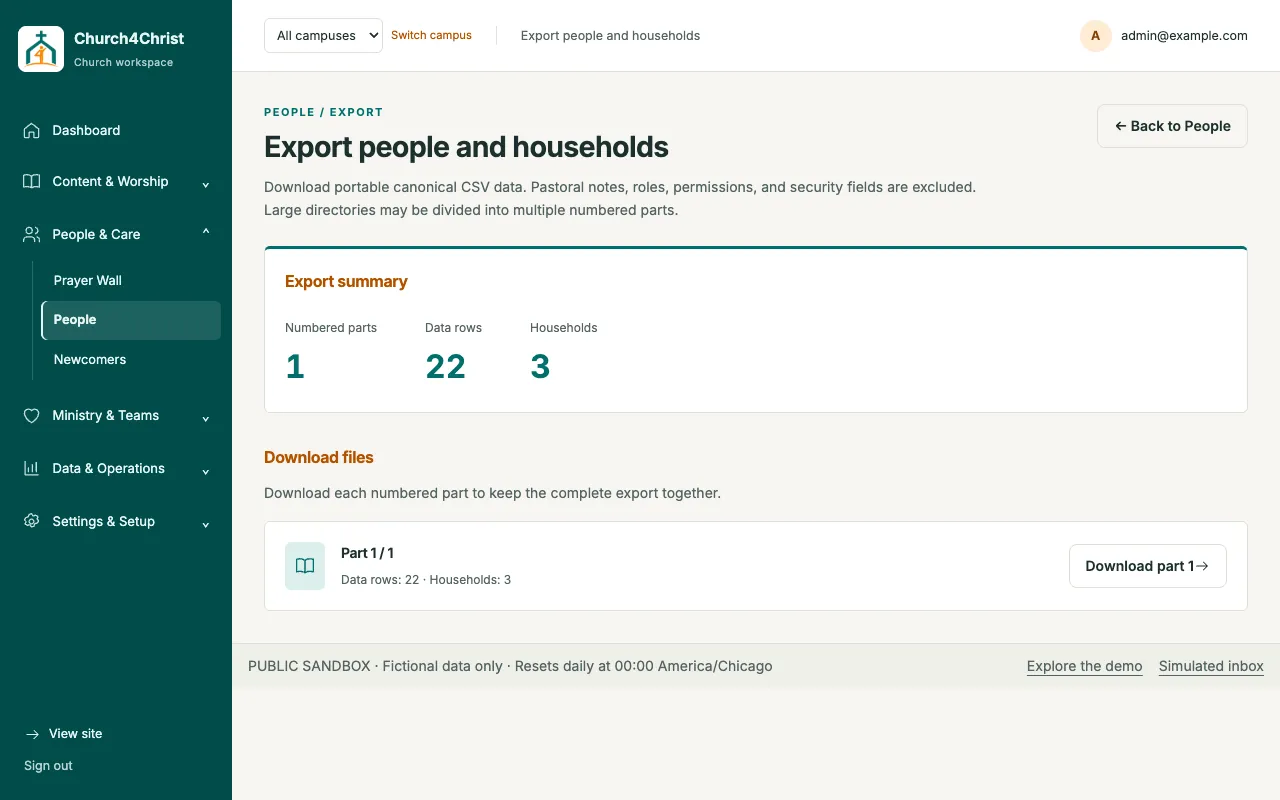
Export people and households as canonical CSV in numbered parts. Pastoral notes, roles, permissions, and security fields are excluded from the export.
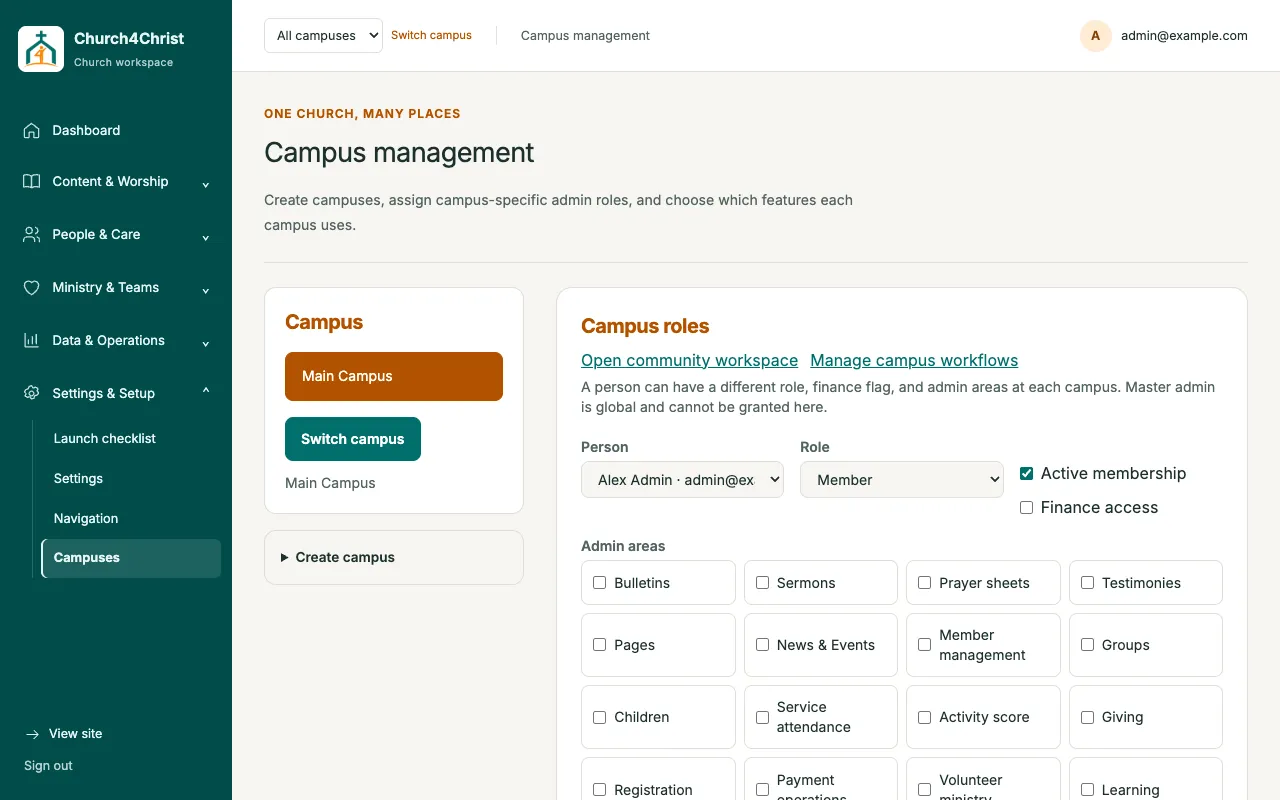
Run campuses on one backend with isolated data, settings, features, and campus-local roles. Only the master admin sees every campus.
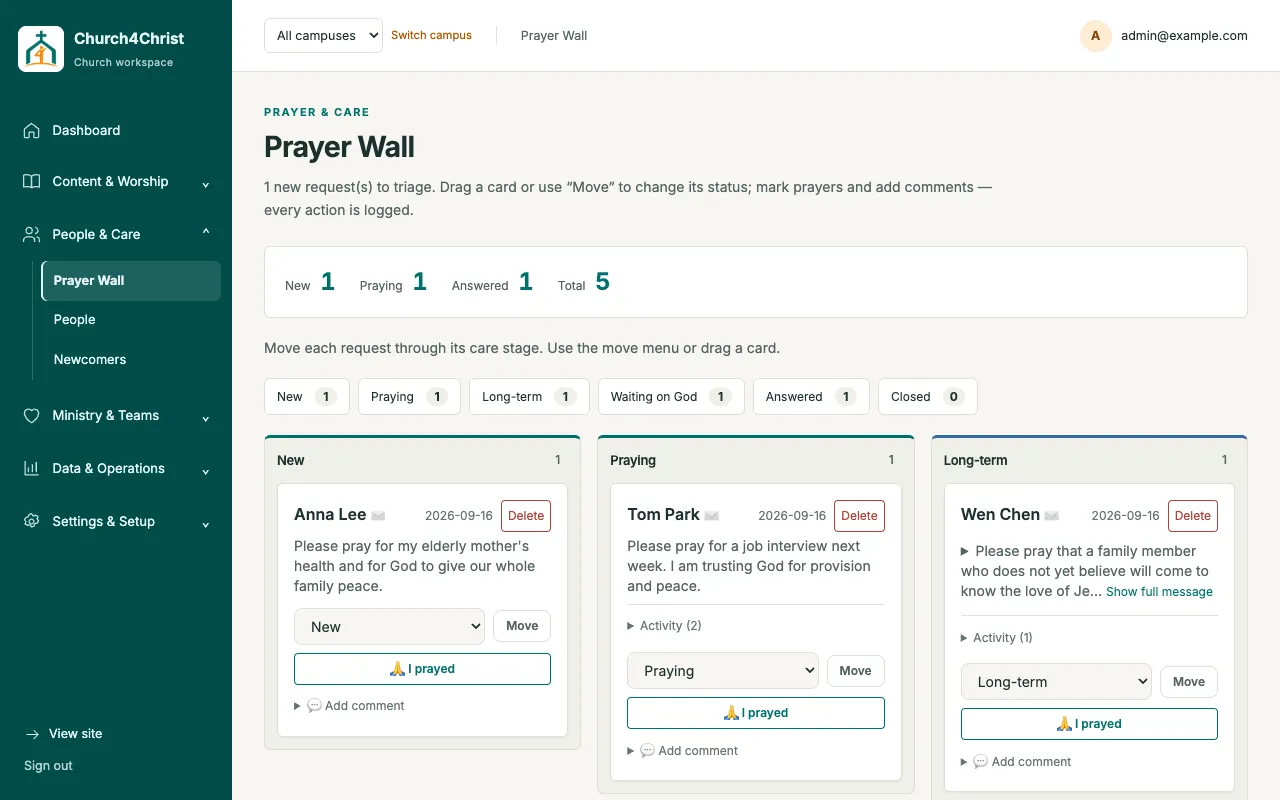
Requests arrive from the public prayer form and move through New, Praying, Long-term, Waiting on God, Answered, and Closed. Every action is logged.
Open the demo church in your browser, then read the setup guide when you are ready.