A run sheet with a live clock
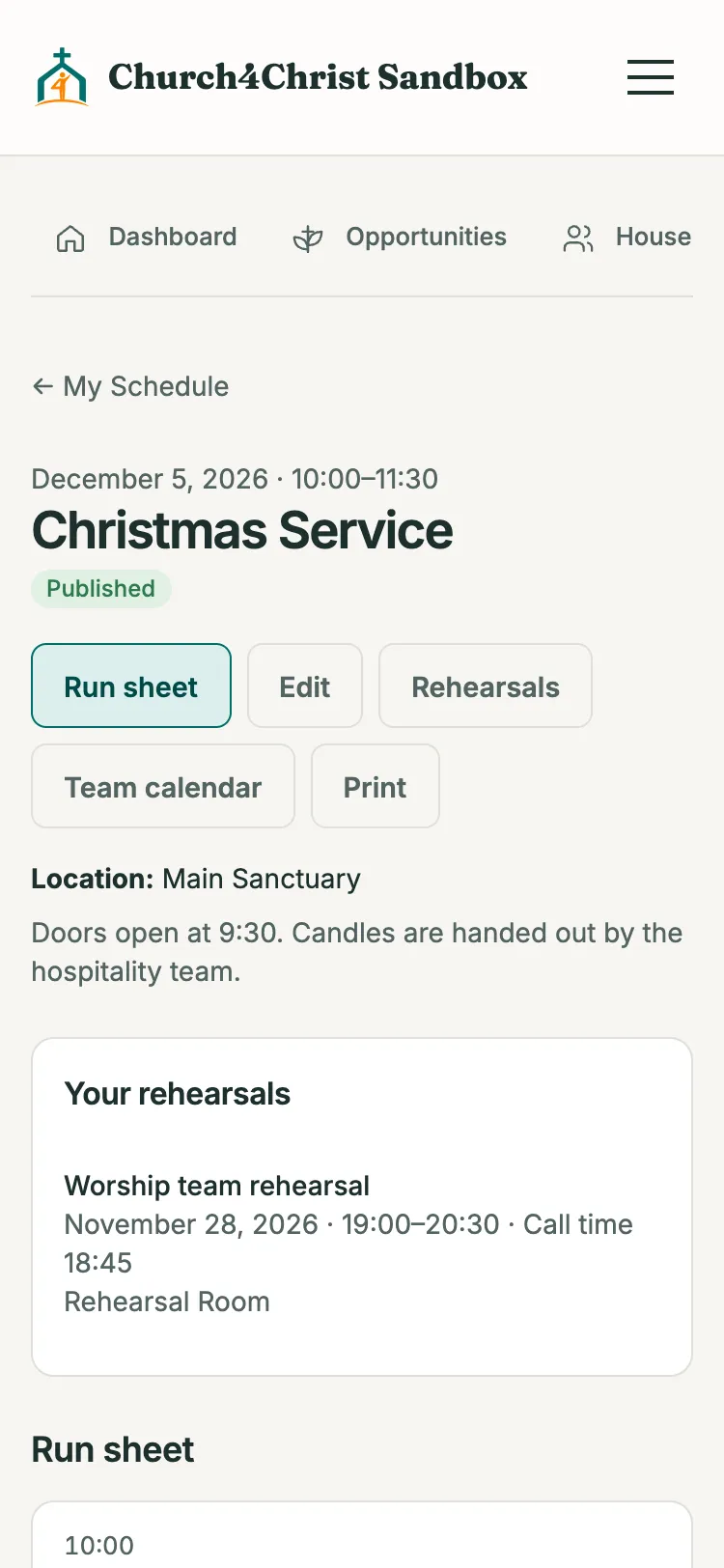
Give each item a length and the sheet works out every start time. Fixed starts jump the clock, with warnings for overlaps and overruns.
A run sheet with a live clock, rehearsals with the people you call, member availability, and a find-a-time search that ranks slots by conflicts. It sits beside volunteer scheduling.
Give each item a length and the sheet works out every start time. Fixed starts jump the clock, with warnings for overlaps and overruns.
Items belong to a team, a person, or free text. Cue notes appear only for coordinators and on the leader print.
One click opens a print view. Start this year’s Christmas run sheet from last year’s instead of from nothing.
Call a whole team or individual people, give anyone a different call time, and add a bilingual note.
Suggests slots across up to 31 days in 30-minute steps, ranked by fewest conflicts, then fewest unknowns.
People called are emailed in their language when a rehearsal is scheduled, moved, or cancelled, with a reminder beforehand.
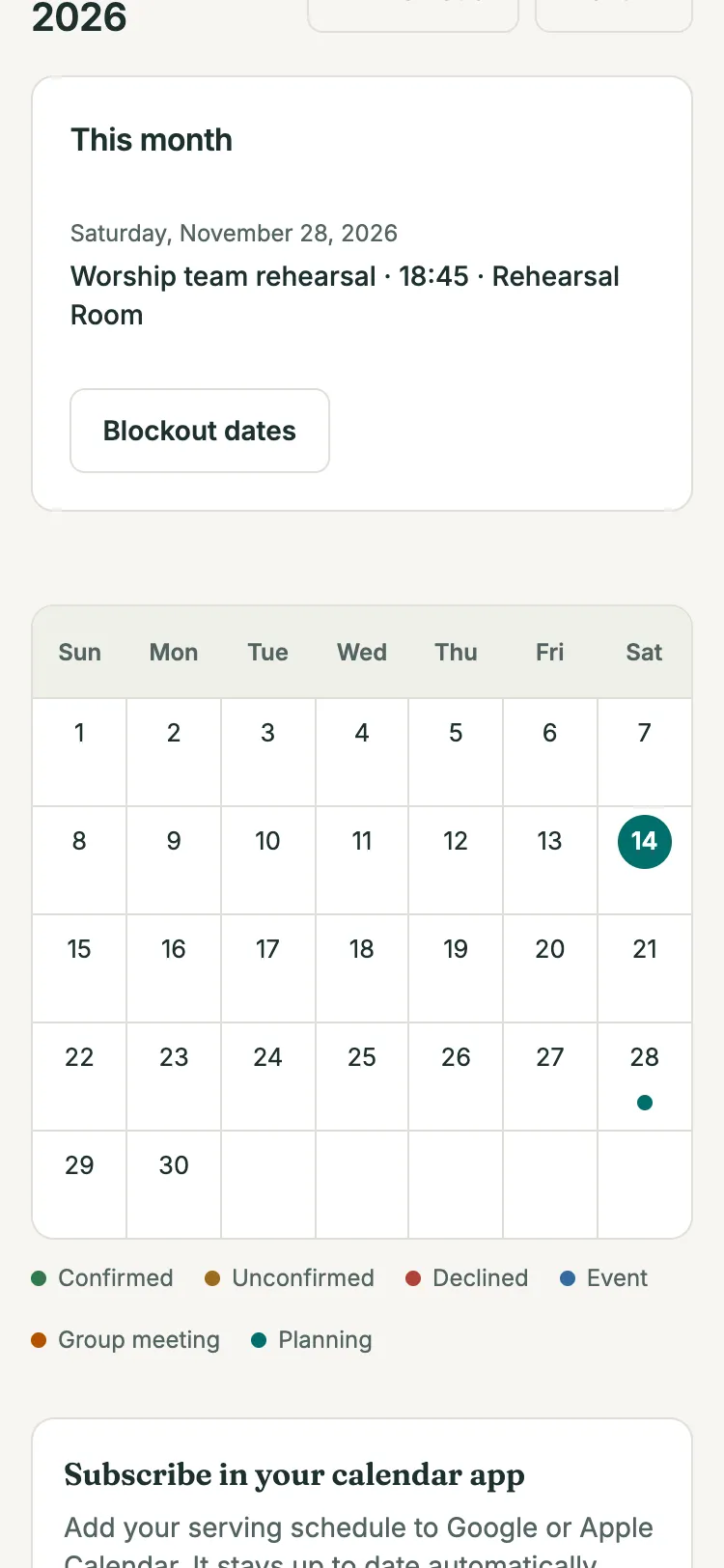
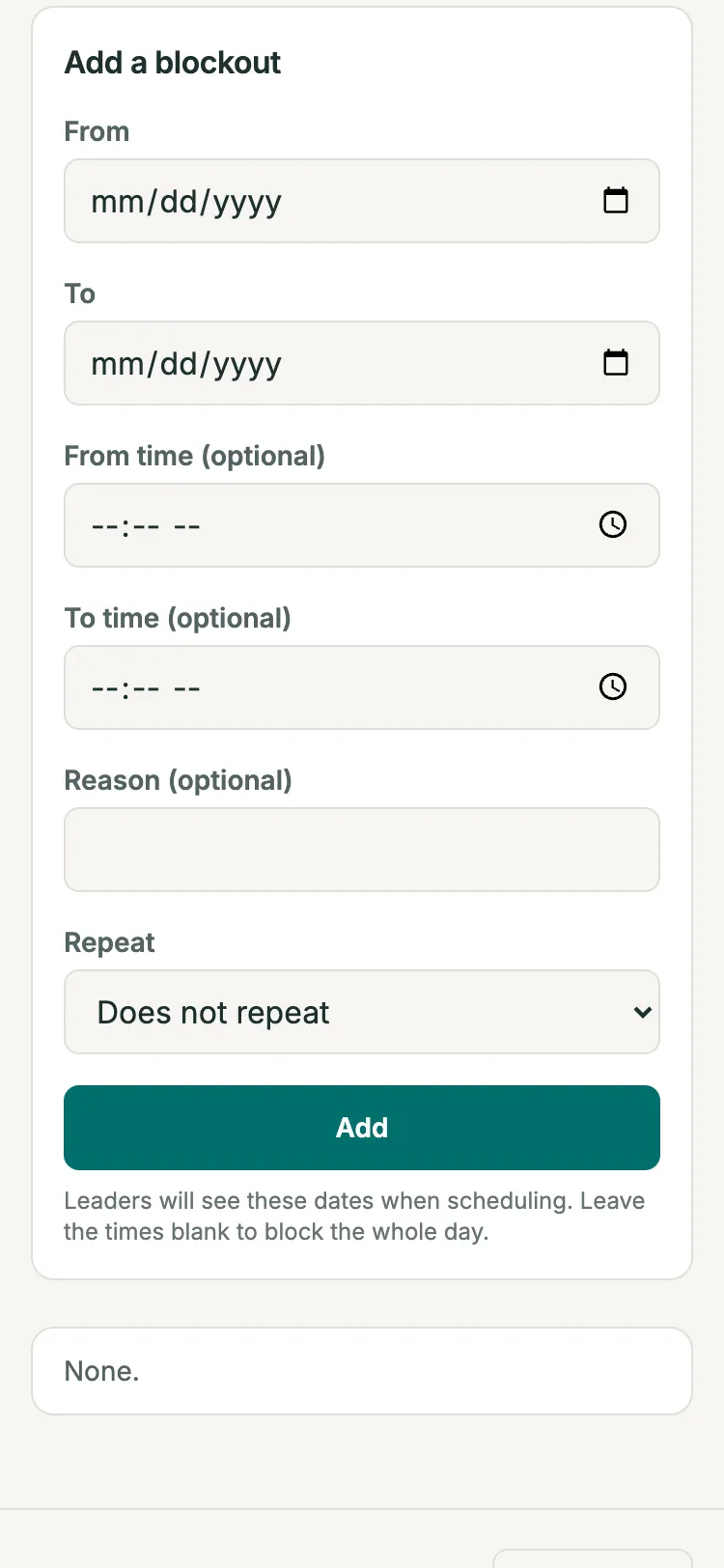
Members add a single date or a weekly window next to the blockouts they already keep. Planners see only “available” or “blocked”, never the note.
Scheduling a session re-checks every person called. Anyone blocked or busy stops it with a message naming them, and unknowns need an explicit “schedule anyway”.
Open the demo church in your browser, then read the setup guide when you are ready.