Twelve languages, one site
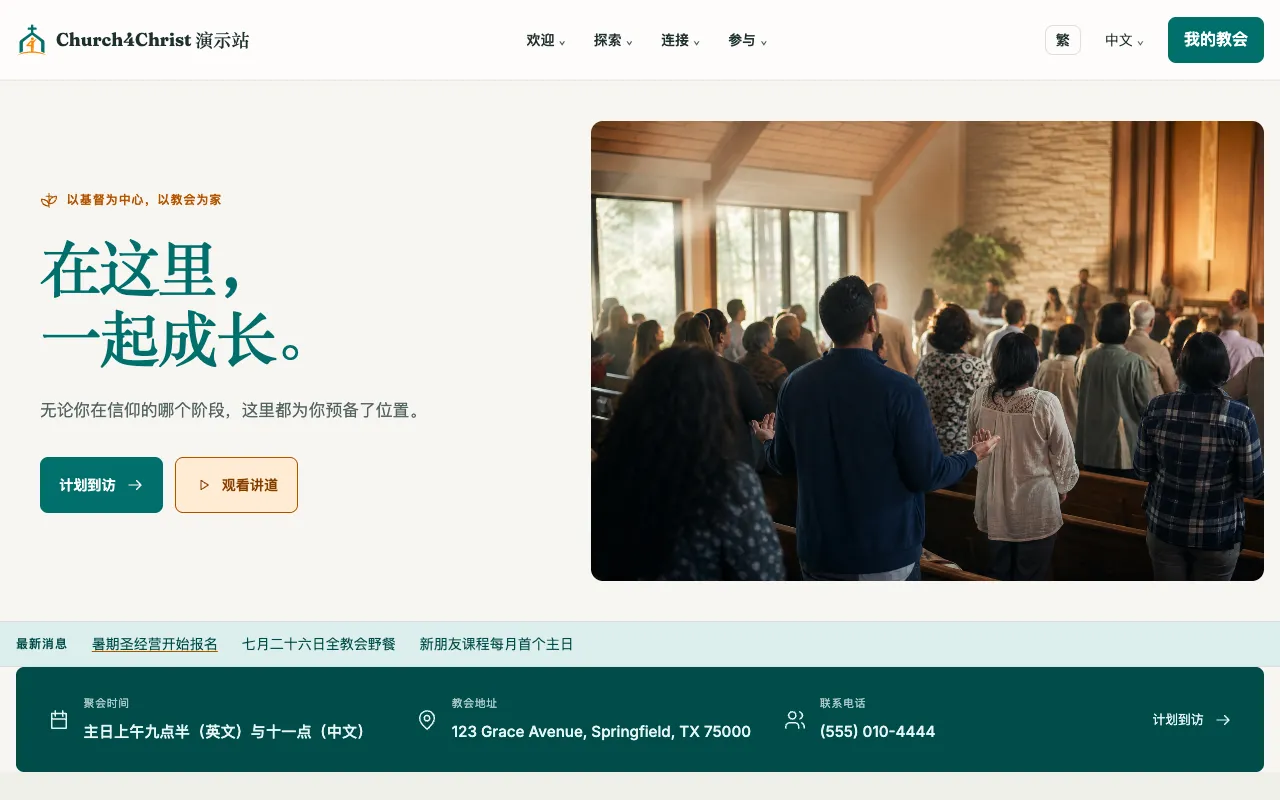
Turn on any of twelve interface languages and pick a default. Visitors switch with one click and stay on the same page; Chinese readers can flip to Traditional characters with one tap.
Sermons, weekly bulletins, events, articles, and custom pages in the languages your church uses, wearing one of three ready-made themes. Visitor pages are plain, fast HTML with no client-side framework.
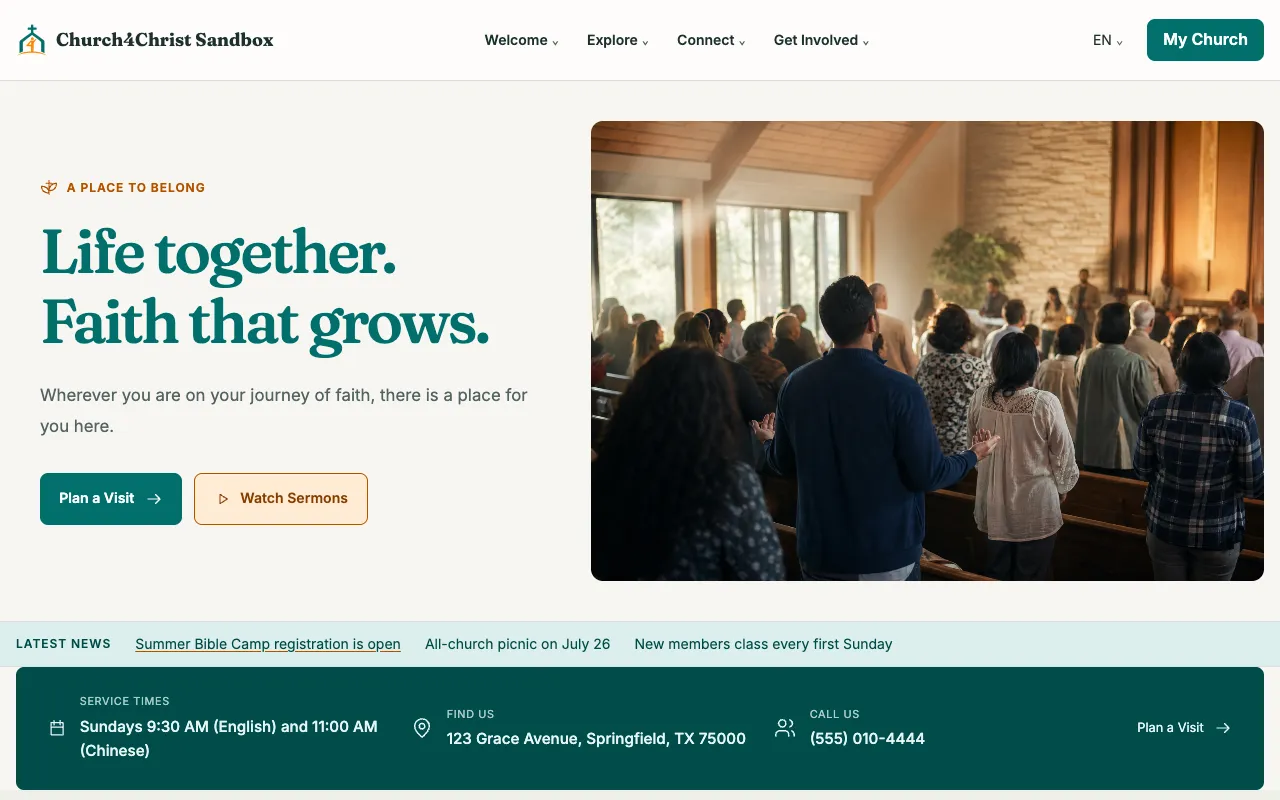
Turn on any of twelve interface languages and pick a default. Visitors switch with one click and stay on the same page; Chinese readers can flip to Traditional characters with one tap.
Paste a YouTube link and get a searchable library by month, year, speaker, and series. The video player loads only when someone presses play.
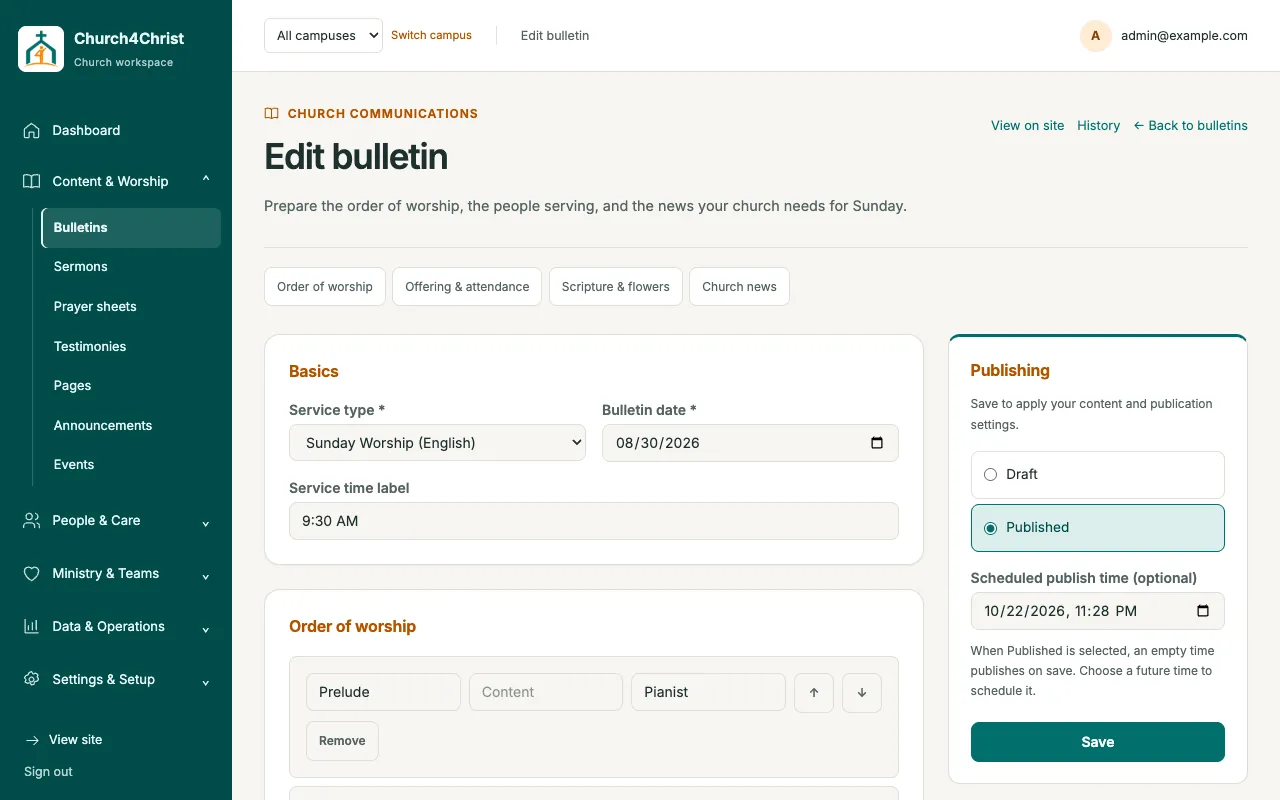
Build the Sunday service sheet, save it as a draft, and set a time for it to go live. Who is serving that Sunday is pulled from volunteer scheduling.
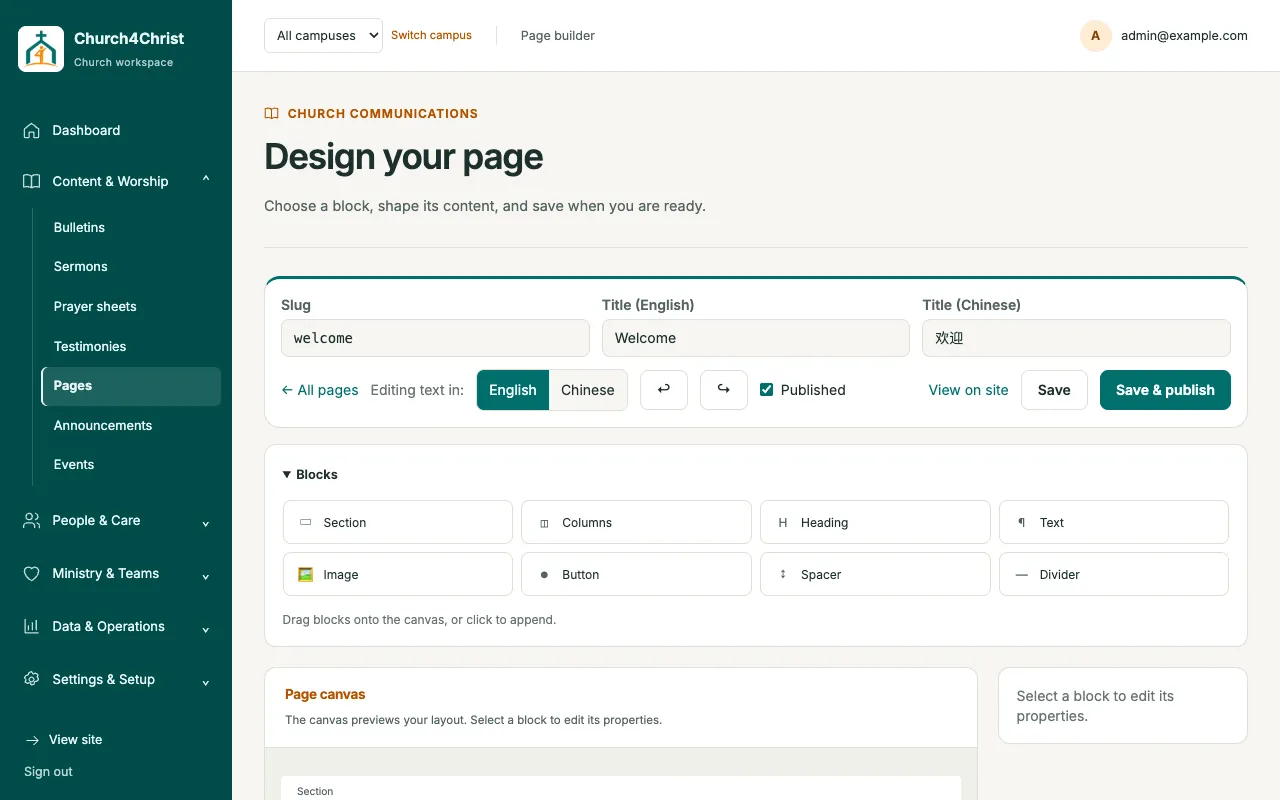
Build “Our Story” or “Directions” pages from sections, columns, headings, images, and buttons. Every block is bilingual, and published pages load with zero JavaScript.
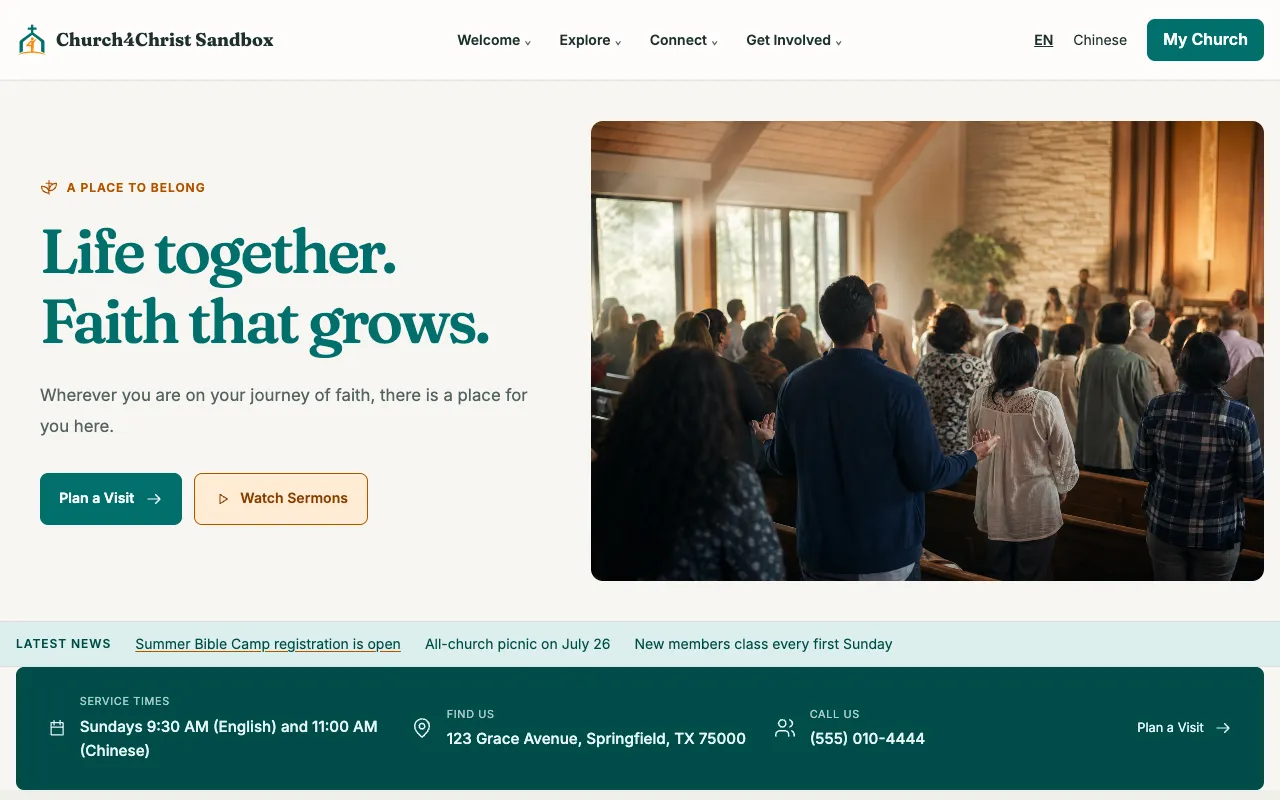
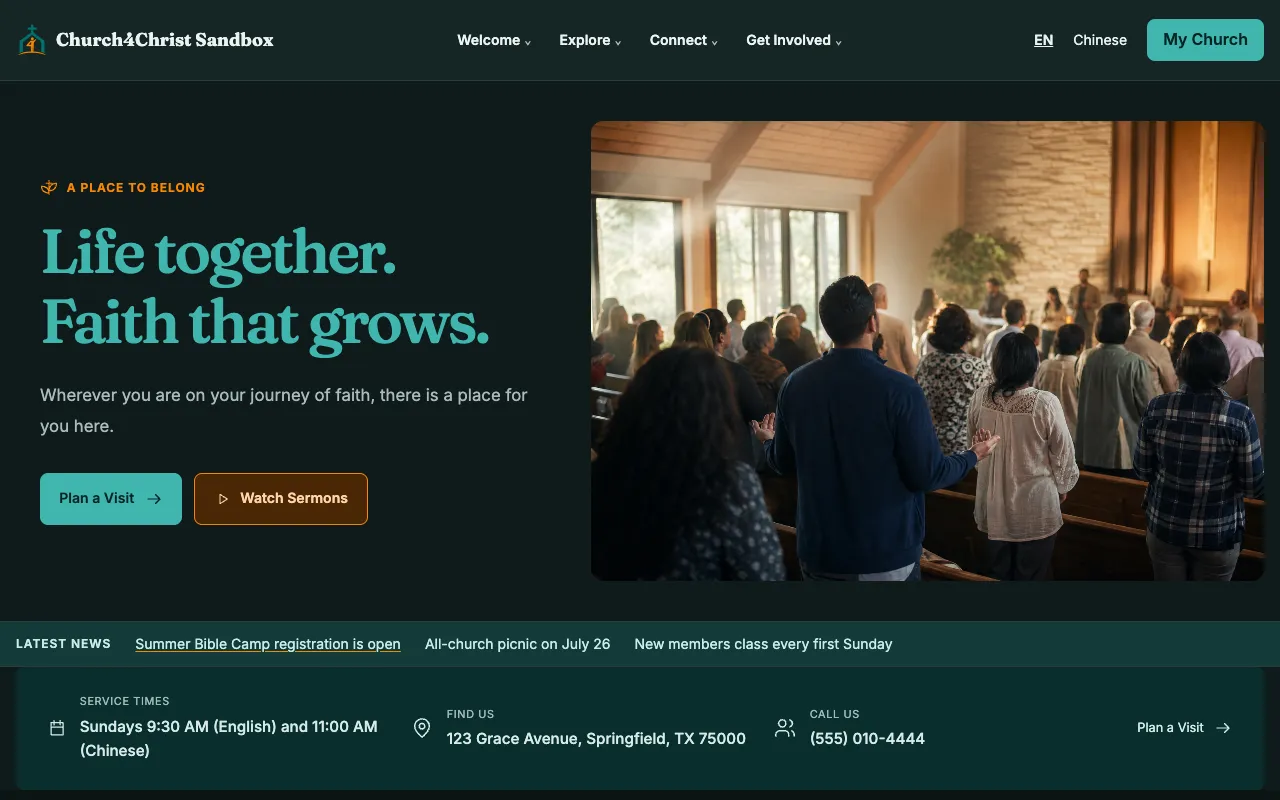
Sanctuary, Harvest, and Midnight are built from design tokens. An admin switches the theme in Settings, with no rebuild or redeploy.
Visitors send prayer requests that staff care for privately on a board. Events and announcements appear on a public calendar.
Content is written once per language, so nothing is machine-translated and your team controls both versions. The browser picks the first language; the header toggle switches at any time.
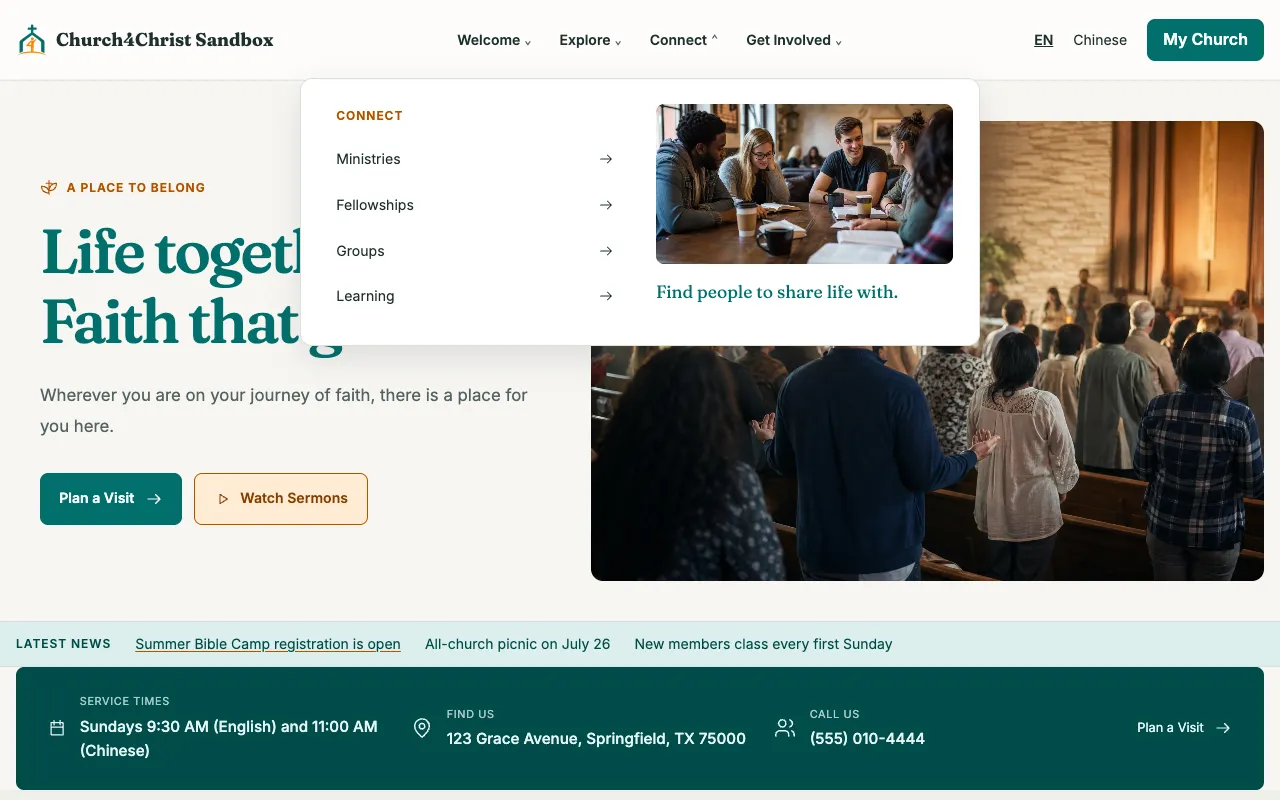
With many modules on, the header groups destinations into Welcome, Explore, Connect, and Get Involved. Custom pages and external links sit under More, and empty groups disappear.
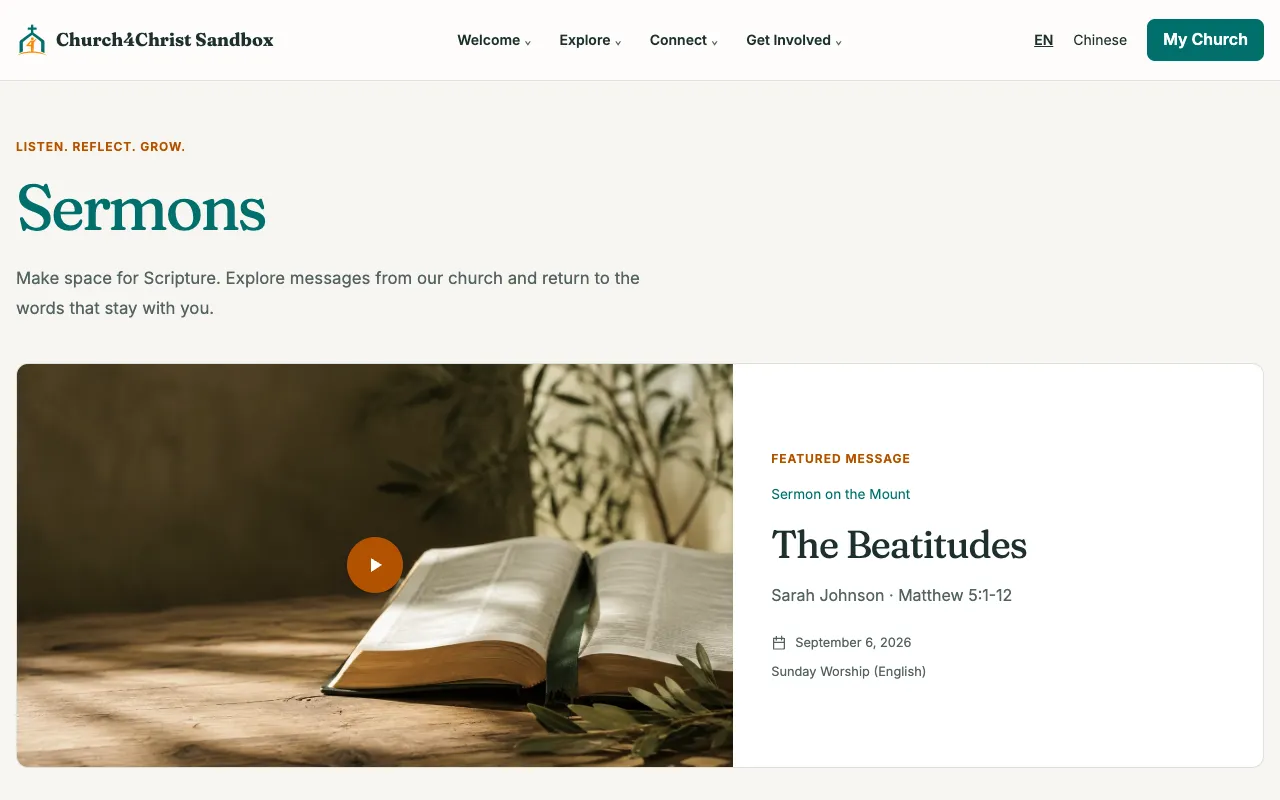
Each sermon carries a date, speaker, scripture passage, optional series, and video link. Visitors browse by month, year, or series.
Drag blocks onto a canvas and style them from menus that always match your theme in light and dark mode. If a Chinese field is left blank, the page shows the English text instead of an empty spot.
Each bulletin is tied to a date and a service, so the 9:30 English and 11:00 Chinese services each get their own sheet, and one sheet can carry both languages.
Pick Sanctuary, Harvest, or Midnight in Settings. Every color comes from design tokens, so pages, buttons, and charts stay consistent. Visitors can still switch light or dark for themselves.
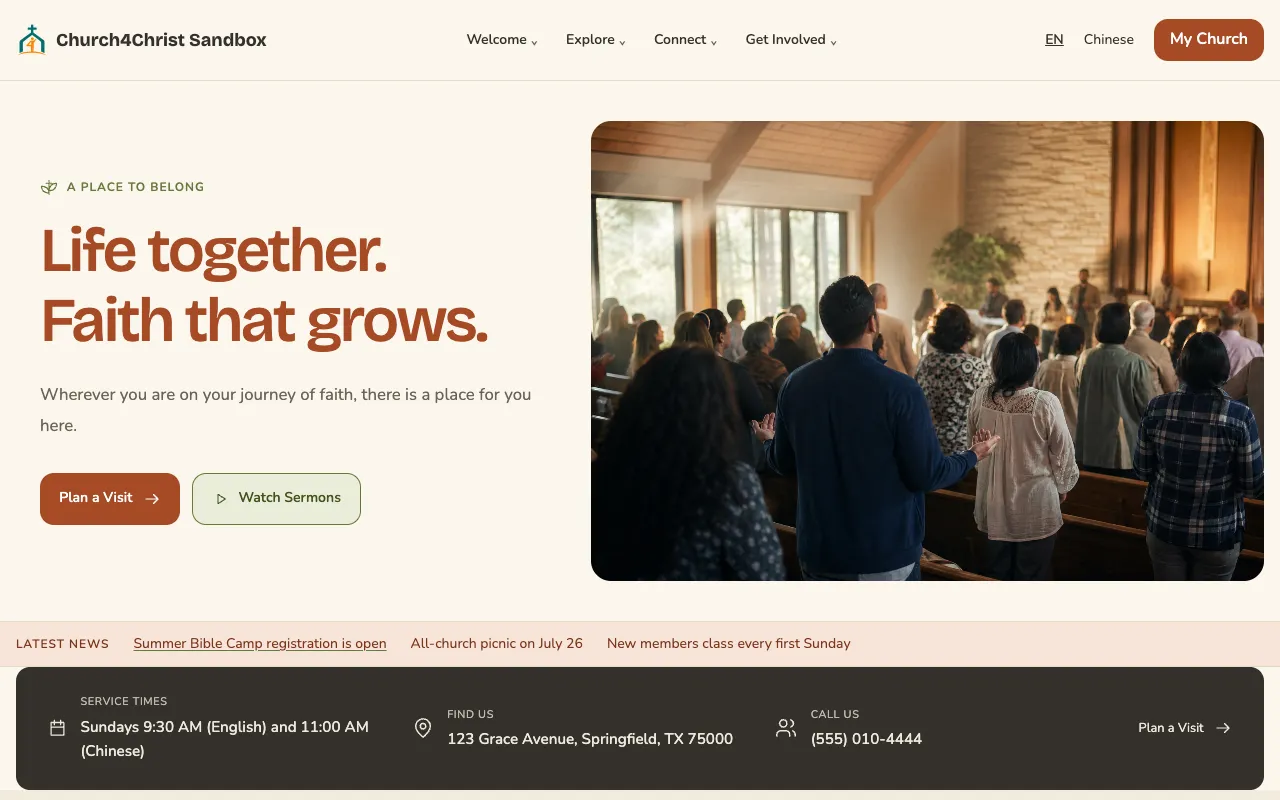
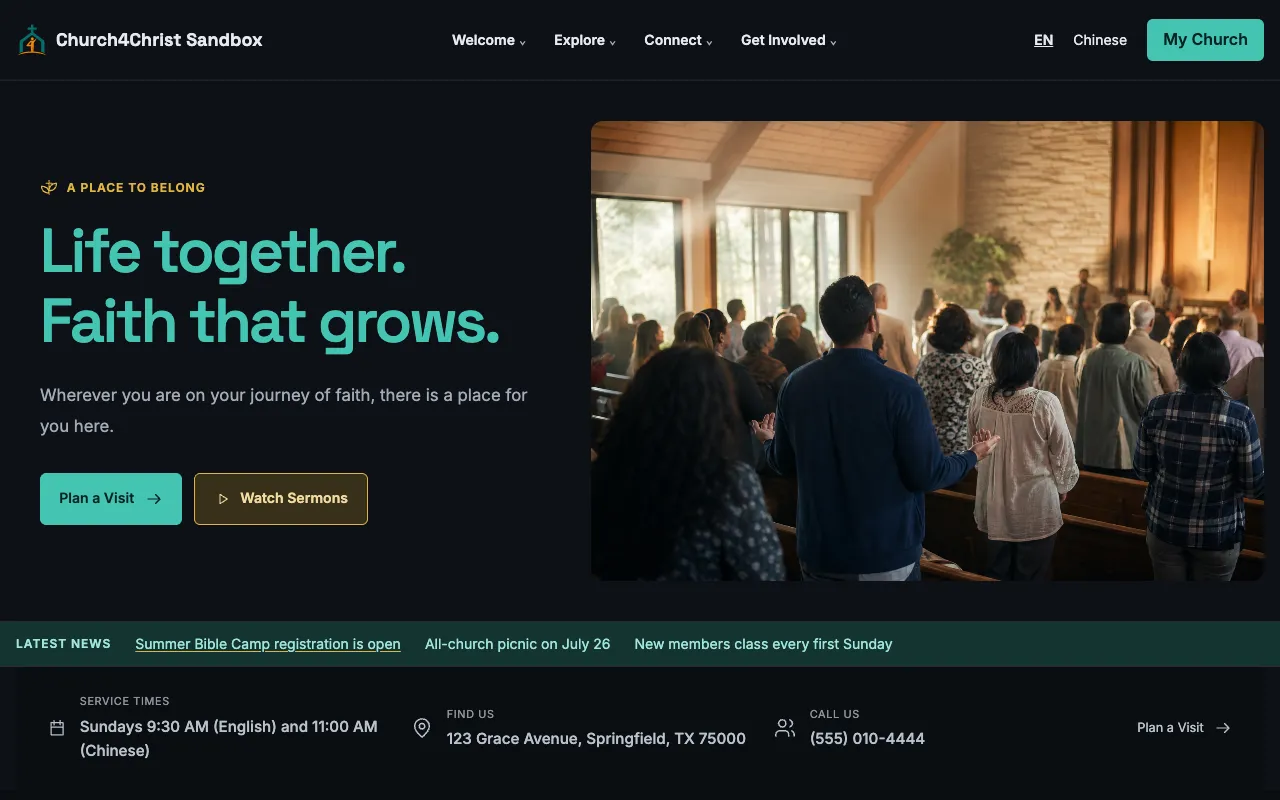
Open the demo church in your browser, then read the setup guide when you are ready.